Audit any page
in seconds
61 checks for SEO, performance, security and technical accessibility - in a side panel that stays visible while you browse.
Everything in one extension
Replaces a dozen separate extensions and tools with an integrated panel that works on any site, no setup required.
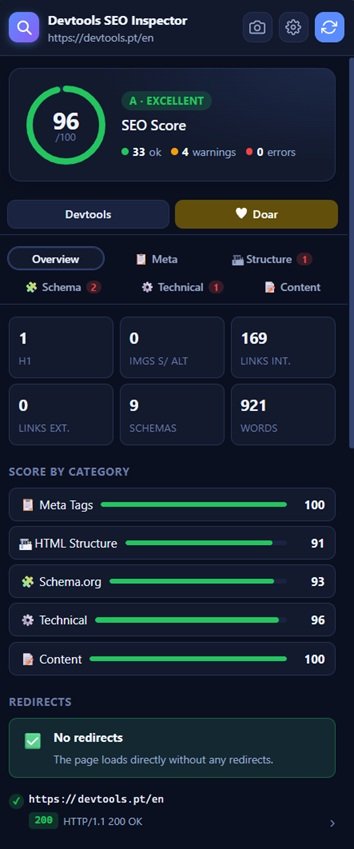
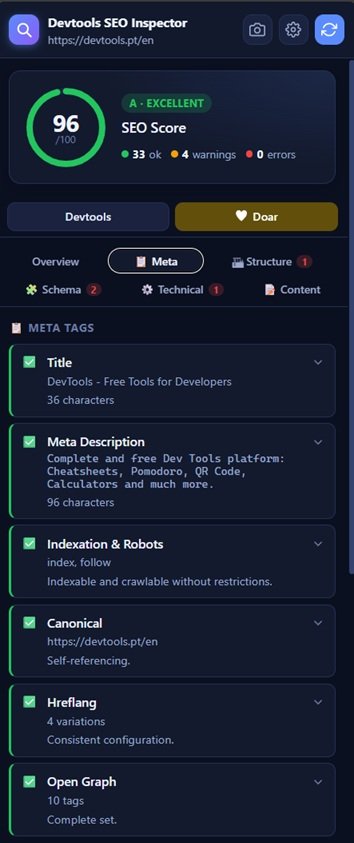
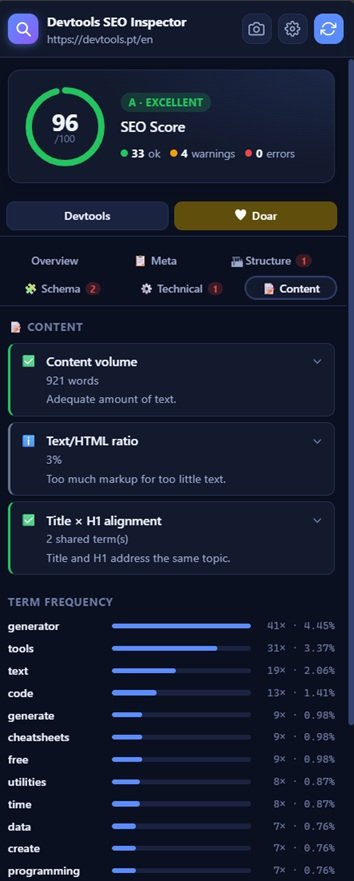
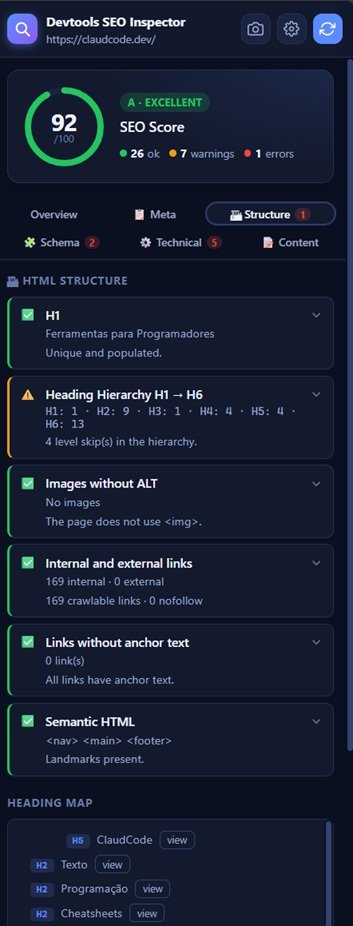
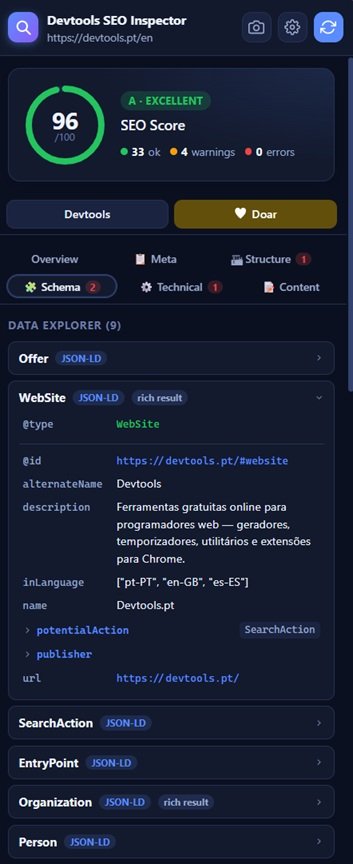
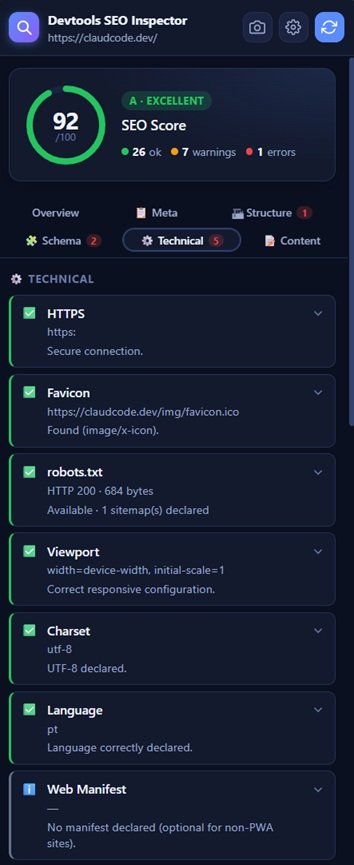
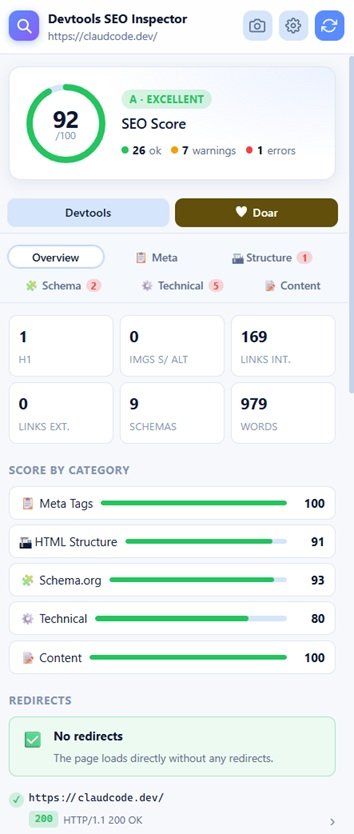
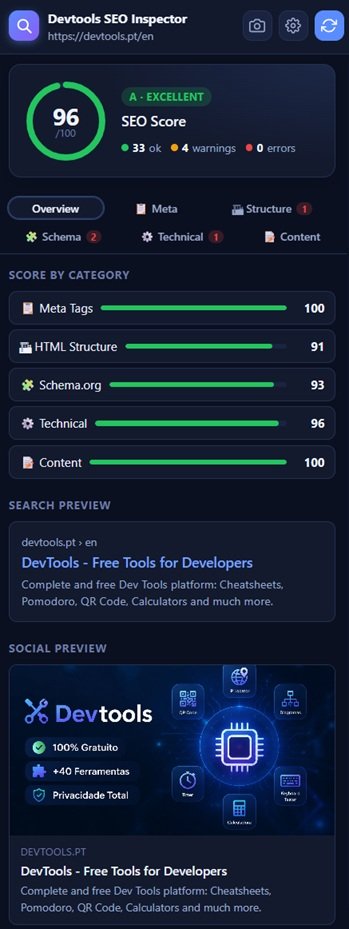
A clear score for every page
Each check has a weight (0–10). The extension calculates a score from 0 to 100 based on results and assigns a grade from A to E.
Three steps to the full report
No setup required. Open any page, click Analyse and the report is ready in seconds.
Built out of necessity, shared out of generosity
As a developer and creator of devtools.pt, I accumulated over the years a collection of extensions for my daily work - one to check meta tags, another for schema, another for headers, another for redirects. It reached a point where I had too many extensions to manage, each with its own interface, shortcuts and limitations.
I am happy to share it with whoever needs it, in the same spirit that devtools.pt exists to help the web developer community.
Your privacy is respected
The extension does not collect, transmit or share any personal data.
Data collected
None
The extension does not collect any data about you, the pages you visit, or your behaviour. There are no analytics, telemetry, remote logs or any form of tracking.
Local storage
The extension only saves your preferences in the browser's local storage (chrome.storage.local), exclusively on your device:
- Theme - light or dark
- Language - Portuguese, English or Spanish
This data never leaves your device and can be removed at any time by uninstalling the extension.
Network requests
To function, the extension makes network requests to public resources of the page you are inspecting:
robots.txt and sitemap.xml of the inspected domainHTTP headers of the page URL (HEAD request)Internal page links (HTTP status check)Referenced resources: favicon, web manifest, og:image
These requests are made directly from your browser to the servers of the sites you visit - the extension does not use intermediate servers.
Extension permissions
| Permission | What it is used for |
|---|---|
| activeTab | Access the content of the active tab for SEO analysis |
| scripting | Inject the data collection script into the inspected page |
| sidePanel | Open the Chrome side panel |
| storage | Save theme and language preferences locally |
| tabs | Detect tab changes and capture screenshots via captureVisibleTab |
| webRequest | Capture HTTP redirect chains and Set-Cookie headers (passive read, does not intercept or modify traffic) |
| <all_urls> | Analyse any site the user visits; required for webRequest listeners and to fetch robots.txt, sitemaps and favicons |
Screenshots
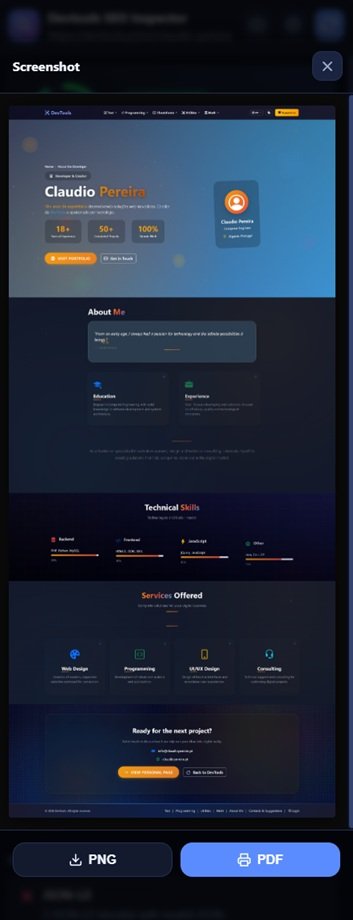
The screenshot feature creates an image of the page locally in your browser, stitching together multiple frames captured as the extension scrolls the page. The image is never sent to any server - it is downloaded directly to your computer in PNG format.
External tools
The extension includes links to external tools (PageSpeed Insights, Google Search Console, Rich Results Test, Lighthouse). Clicking those links takes you out of the extension and into third-party services subject to their own privacy policies. The extension only generates the link with the URL of the inspected page - it does not transmit any other data.
Contact
For questions related to privacy or the extension, get in touch through devtools.pt. devtools.pt.
Last updated: August 2026
Install in seconds.
Analyse immediately.
Free, no account, no data shared. Works on any site from the moment it's installed.
Install on Chrome - Free